Gestion d'equipe
Verifiez regulierement la propriete des groupes, en particulier avant les changements d’equipe. Assurez-vous que les groupes importants sont detenus par les membres appropries de l’equipe.
L’onglet Groupes affiche tous les groupes et canaux Telegram associes a votre compte.
| Colonne | Description |
|---|---|
| Titre | Nom du groupe ou du canal |
| Type | Groupe, Supergroupe ou Canal |
| Membres | Nombre total de membres |
| Role | Votre niveau de permission : Proprietaire, Administrateur ou Membre |
Triez les groupes par :
Filtrez par :
| Role | Description |
|---|---|
| Proprietaire | A cree le groupe ou a recu le transfert de propriete. Controle total. |
| Administrateur | Dispose de permissions administratives accordees par le proprietaire. |
| Membre | Participant regulier sans permissions speciales. |
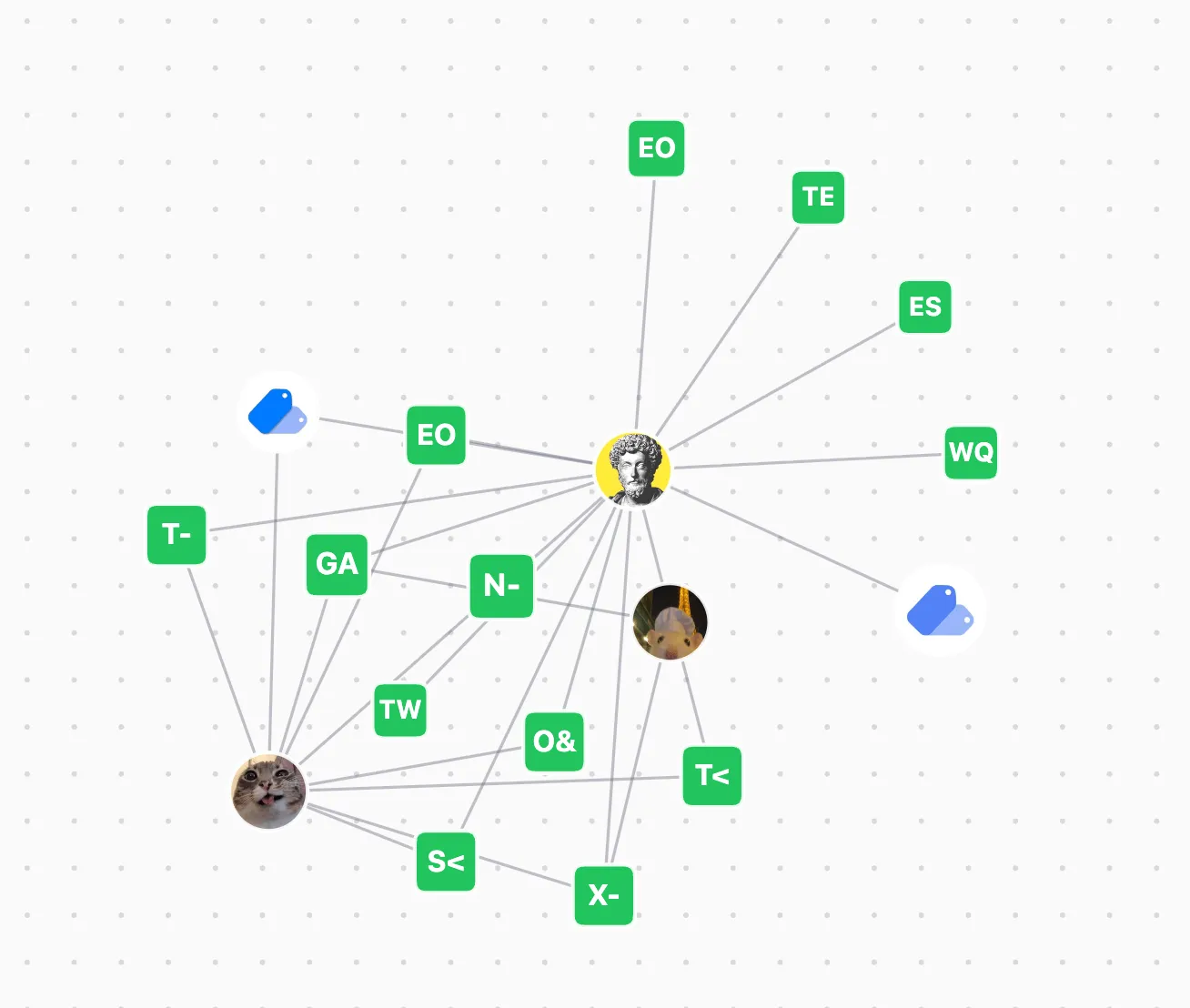
Dans un espace de travail, les administrateurs peuvent voir quels membres de l’equipe possedent quels groupes. Cela est utile pour :
Actuellement, les transferts de propriete doivent etre effectues manuellement :
Gestion d'equipe
Verifiez regulierement la propriete des groupes, en particulier avant les changements d’equipe. Assurez-vous que les groupes importants sont detenus par les membres appropries de l’equipe.