Bulk Workflow
Combine filtering with quick actions: filter to show a specific segment, select all visible chats, then apply an action to the entire group at once.
此内容尚不支持你的语言。
Set time-based reminders on any chat to ensure you follow up at the right time.
When the scheduled time arrives:
When you select chats using the checkboxes, the Action Bar appears at the bottom of the page with quick actions.
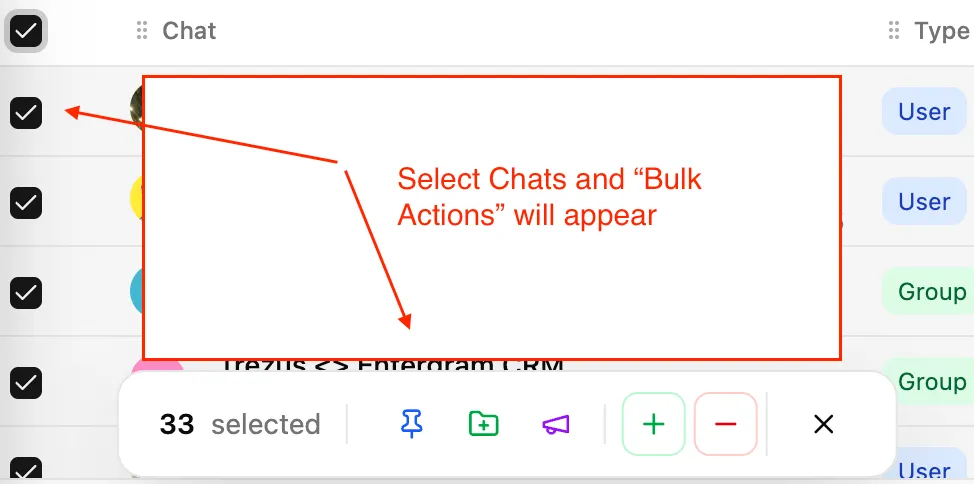
| Action | Description |
|---|---|
| Pin | Pin selected chats to the top of your table for quick access |
| Add to Folder | Move chats into one of your Telegram folders |
| Remove from Folder | Remove chats from a Telegram folder |
| Add Labels | Apply tags to selected chats |
| Remove Labels | Remove tags from selected chats |
| Broadcast | Send a message to all selected chats |
Pinned chats appear at the top of your table regardless of sorting. Use this for:
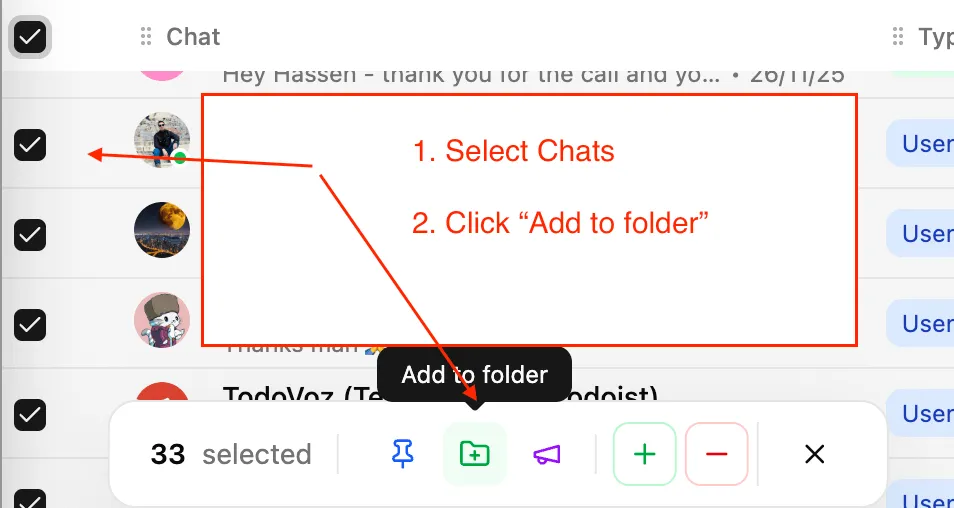
Add or remove chats from your existing Telegram folders directly from Entergram:
Changes sync to your Telegram account.
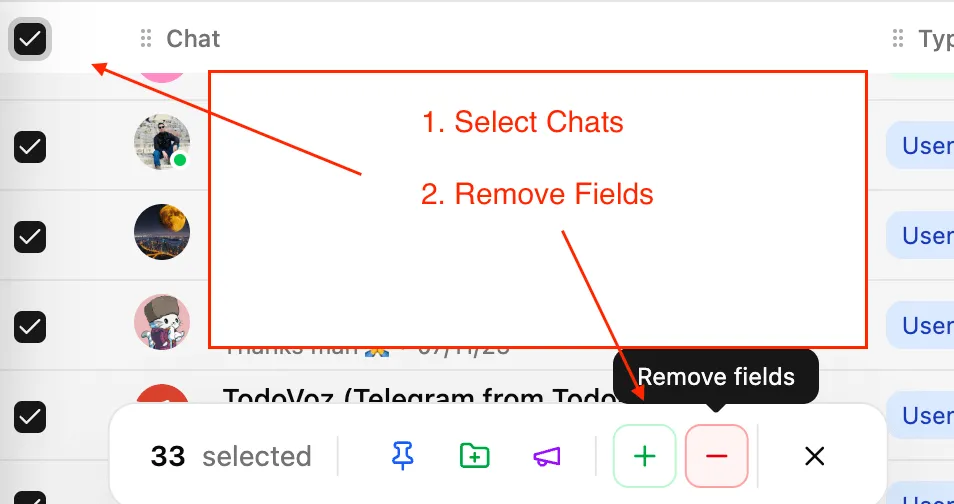
Apply or remove labels in bulk:
Bulk Workflow
Combine filtering with quick actions: filter to show a specific segment, select all visible chats, then apply an action to the entire group at once.